You write pages in Markdown, in your own repository, next to the code they describe. People read them as a fast site, and agents read the same pages as Markdown, through llms.txt and an MCP server.
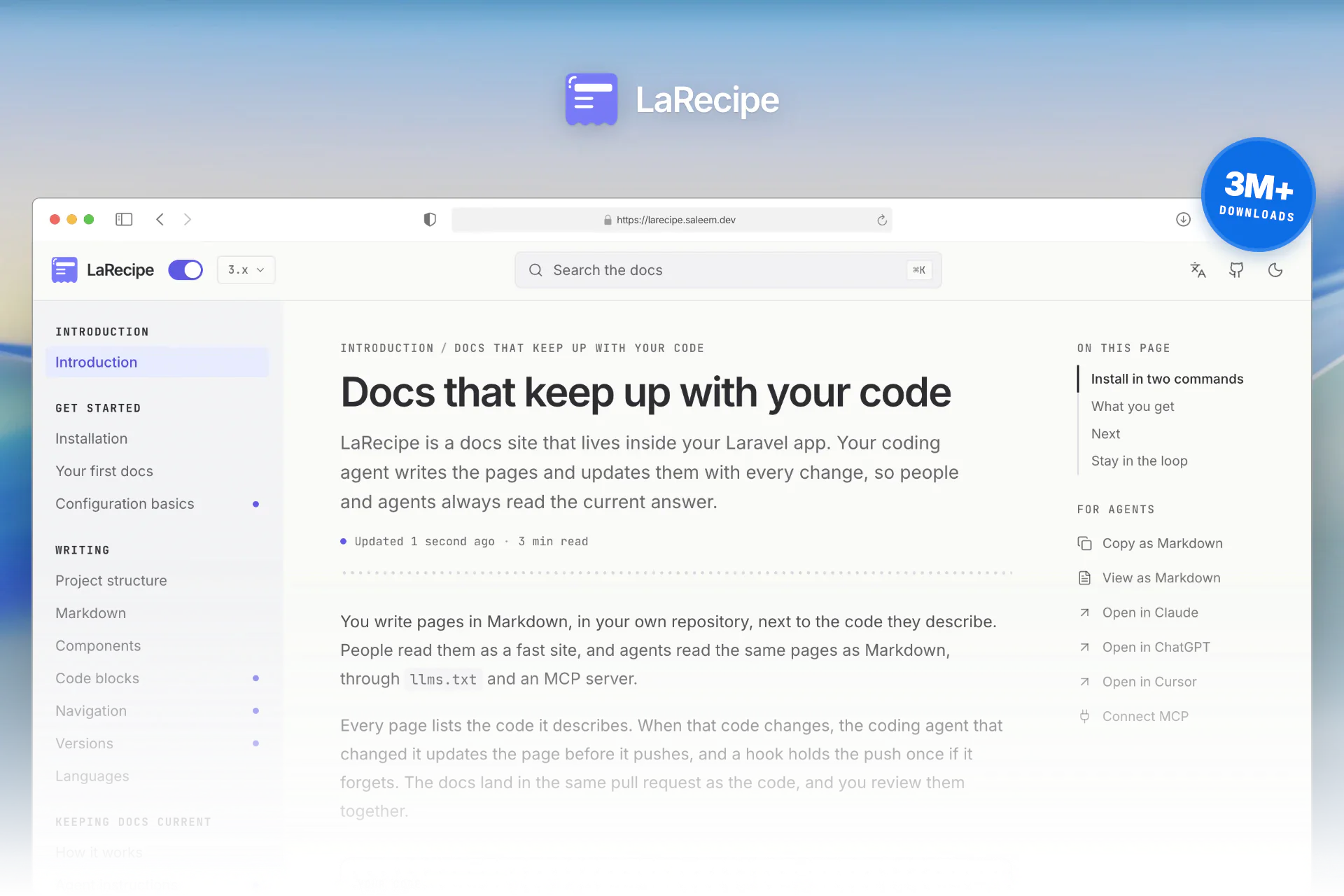
Every page lists the code it describes. When that code changes, the coding agent that changed it updates the page before it pushes, and a hook holds the push once if it forgets. The docs land in the same pull request as the code, and you review them together.
Featured on 3 million+ downloads
- Laravel News
- DevDojo
- Medium
- Packalyst
- Product Hunt
Install in two commands
With your AI agent
Paste this prompt into Claude Code, Codex, Cursor or any coding agent, inside your Laravel app.
composer require larecipe/larecipe.
2. Run php artisan larecipe:install --no-interaction to keep the defaults.
3. Run php artisan larecipe:doctor and fix anything it reports.
4. Read the app and write starter docs with the larecipe-write-docs skill.Manual
Run this in your Laravel app.
composer require larecipe/larecipe
php artisan larecipe:install- Paste it in your terminal
- Press Enter for the defaults
- Open
/docs
There is no Node and no build step. The installer also sets up the coding agents you already use, such as Claude Code, Codex and Cursor, so there is nothing to remember day to day.
What you get
- Docs that stay current Your coding agent updates the pages a change affects, in the same pull request.
- Made for agents Every page as Markdown, plus llms.txt and an MCP server.
- Ask AI Answers written only from your docs, with the pages they cite.
- Live references Routes, commands, models and events, read from your running app.
- Private docs Your app's own auth and gates decide who reads, down to one paragraph.
- Every language Right to left included, with a fallback for pages not translated yet.
Next
Moving a site from LaRecipe 2? Read Upgrade from v2.
Stay in the loop
This form is a custom React component this site adds to LaRecipe. See how it is built